How to Push your Projects
2018-05-04 · damei

Desktop Notifications for New Comments
Teamplace now supports desktop notifications. If you enable this feature in your Teamplace settings, comments from your team members appear on your desktop in real time – just like new e-mail notifications in Outlook or Apple’s Mail. This means you’ll never miss any updates, even if you’re not actively working in Teamplace. Click on the notification and you’ll be forwarded directly to the relevant file.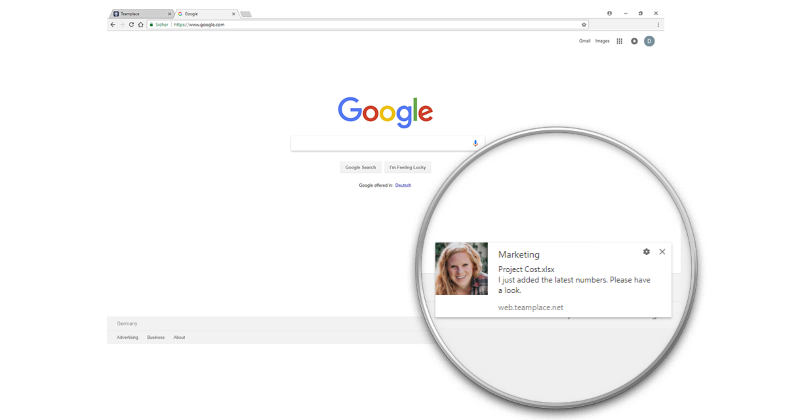
Live Updates for Files and Folders Changes
Changes to files or folders are now immediately visible to everyone. For example, if you add a new folder, it can be seen at the same time by all members of that Teamplace – without manually refreshing the app. If you have opened a file, a popup informs you immediately if someone else saves a new version at the same time. Click on the message and you’ll go directly to the new file version.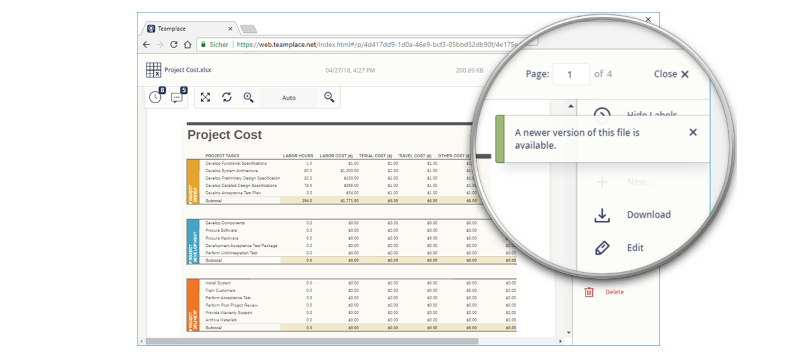
Create New Files Directly in Teamplace
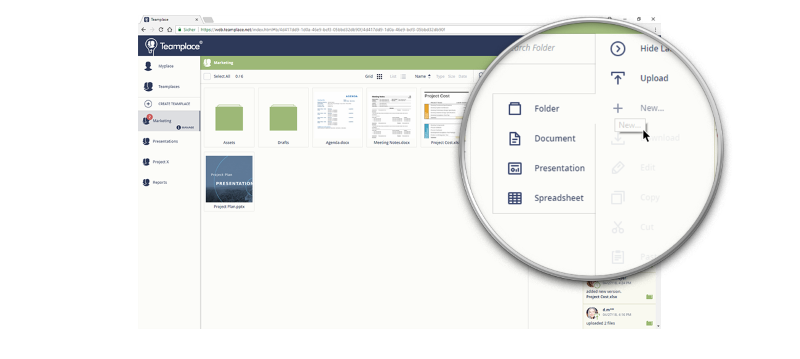
At the same time, we’ve also expanded the Office features. Previously, only existing files could be edited in Teamplace, but you and your team can now create documents, presentations and tables directly within the web app. Uploading an existing file is no longer necessary.