Get the Teamplace app from your app store or open the web app. Register with your email and choose a secure password. Check your inbox and click “Activate Account” in the email we’ve sent you. That’s it, start now with free file sharing and virtual collaboration.
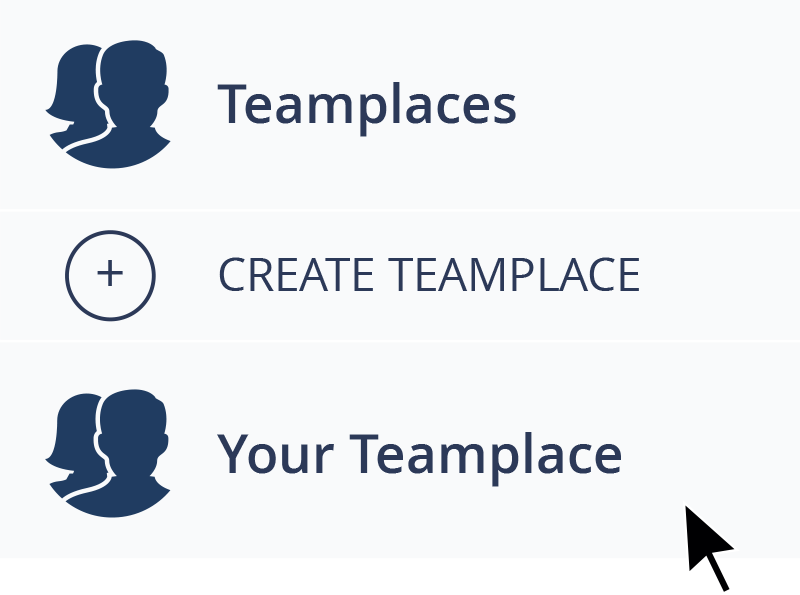
Every time you want to collect pictures with your friends or start a new project with your colleagues, simply create a new team project, we call them Teamplaces, and invite them to virtual collaboration.
To add members to your Teamplaces, you can either invite via Link, Facebook, WhatsApp or an email with a personalized message. What’s really convenient is that every team member can invite more people to join, if you allow it.
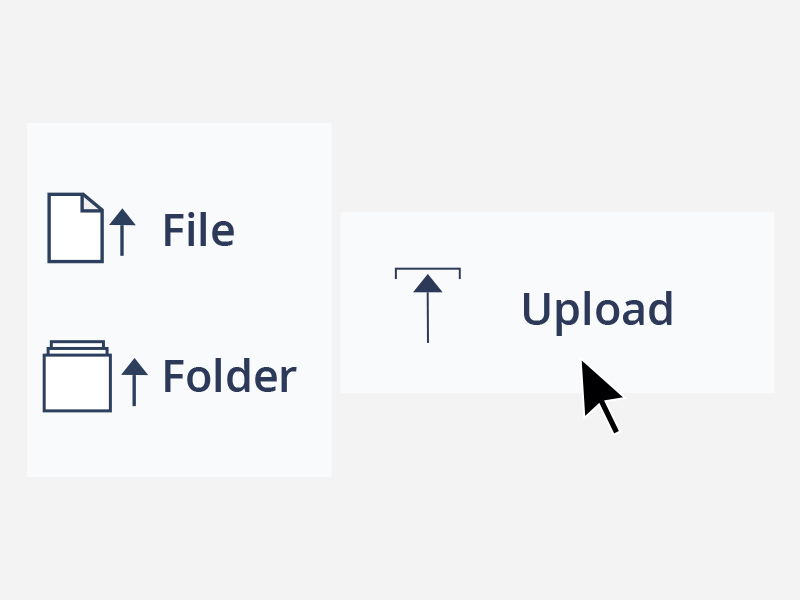
Every member of a specific Teamplace can upload their files – no matter if they’re holiday photos, videos or documents. Everybody who is a member of the team project can access those files, view or download them. That’s free file sharing with Teamplace.
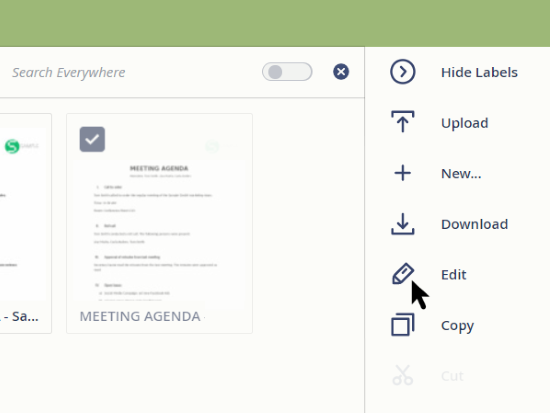
Libre Office integration means all Teamplace users have access to a powerful office suite. A click on the pencil icon opens the online editor. Users with a suitable Microsoft license can alternatively activate Office 365 in the Teamplace configuration settings.
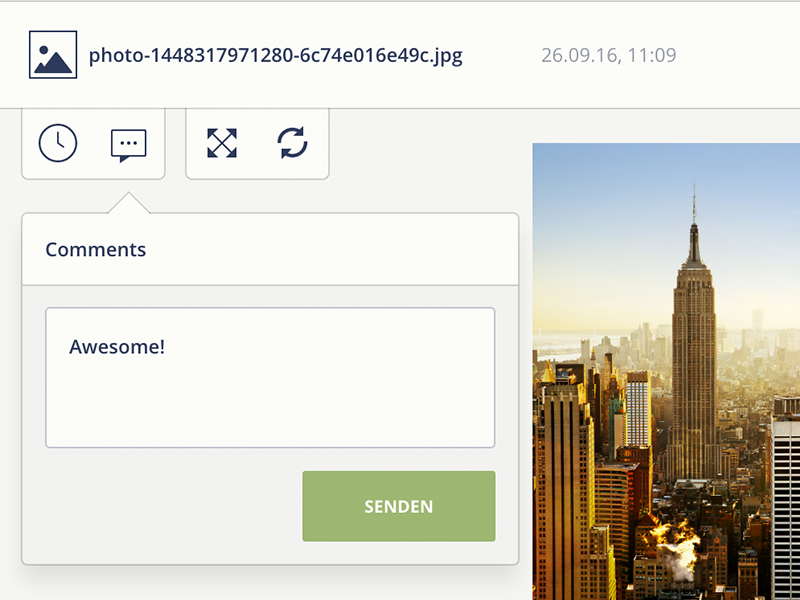
Add comments for your team members to any file. So that nothing is lost when working together, Teamplace automatically saves previous versions of your files so you no longer have to worry about overwritten files. Every file version can be viewed and recovered. This is virtual collaboration.
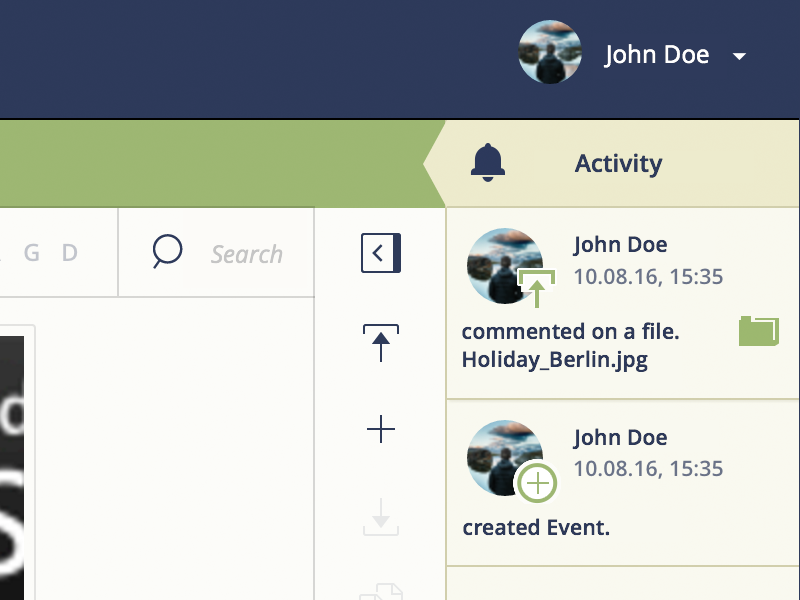
The more people collaborating together on a team project, the harder it gets to keep track of what’s happening. With Teamplace, all of your shares and projects have their own Activity Stream, which gives you a quick overview of what your team members have been up to recently.
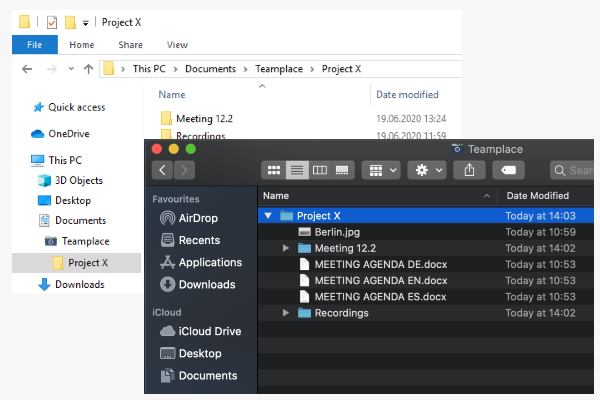
The Desktop Sync Client allows you to integrate Teamplace as a local directory on your Mac, PC and laptop. This gives you even faster access to Teamplace folders and allows you to view and edit files offline at any time.