Teamplace Upgrade: How it Works
The free version of Teamplace offers everything you need to make your first projects a success. If your team is growing, you need more storage space or you want to use other extensions, you can always book one of our upgrade packages. We’ll show you how it works here.NO TEAMPLACE ACCOUNT? SIGN UP NOW →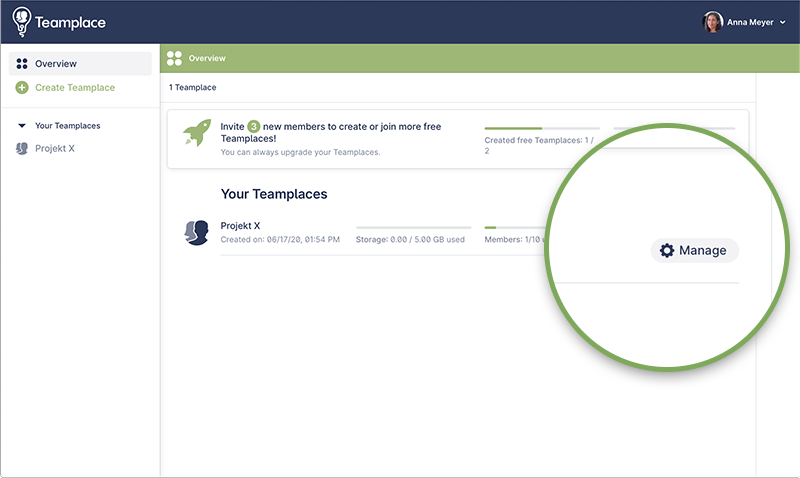
1. Choose the Teamplace to Upgrade
If you are not yet logged in to your Teamplace account, go to Login first.After logging in, you will be taken to the overview page with all your teamplaces.Select the Teamplace you want to upgrade and click MANAGE.You don’t have a Teamplace yet? Click on CREATE TEAMPLACE to set up your first Teamplace.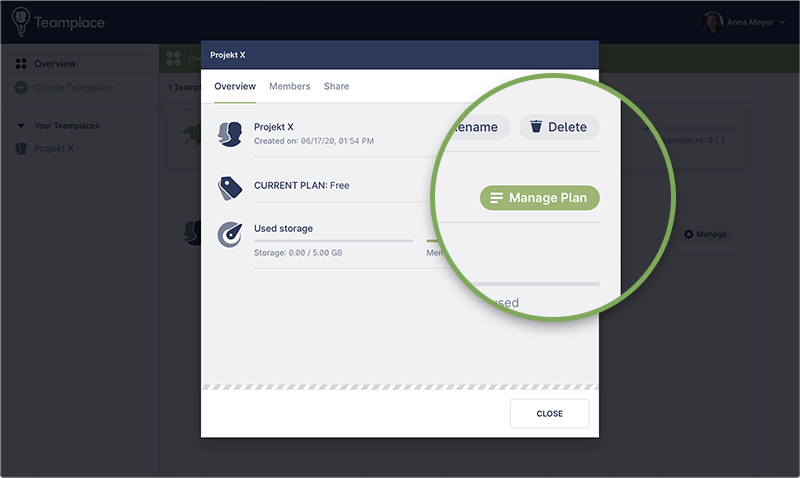
Start the Upgrade
In the window that opens, click the UPGRADE NOW button.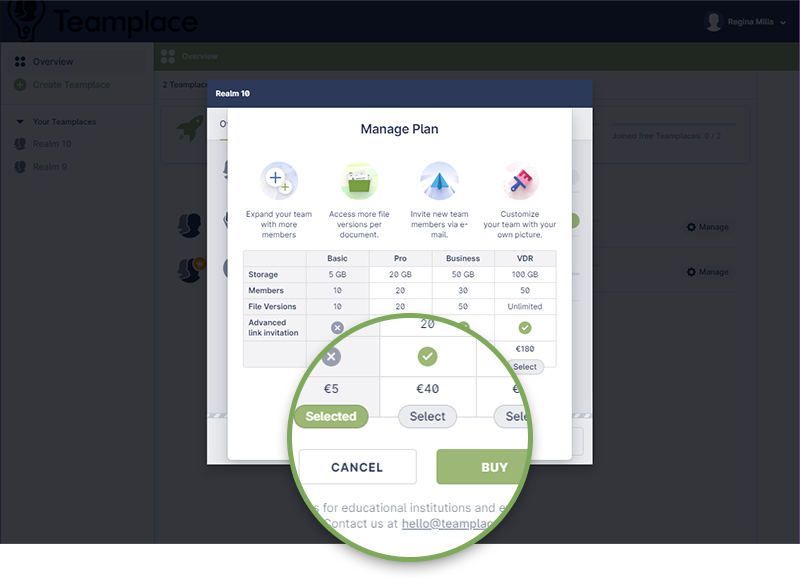
Select Your Upgrade Plan
The available upgrade plans are displayed.Mark your choice by clicking on SELECT and then click on the BUY button.If you have an upgrade code, make sure that you choose the plan for which your voucher was issued.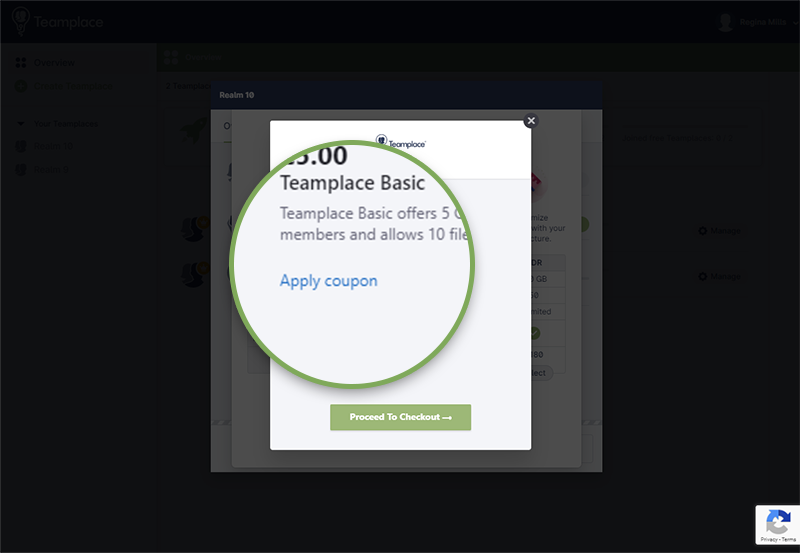
Apply Upgrade Voucher
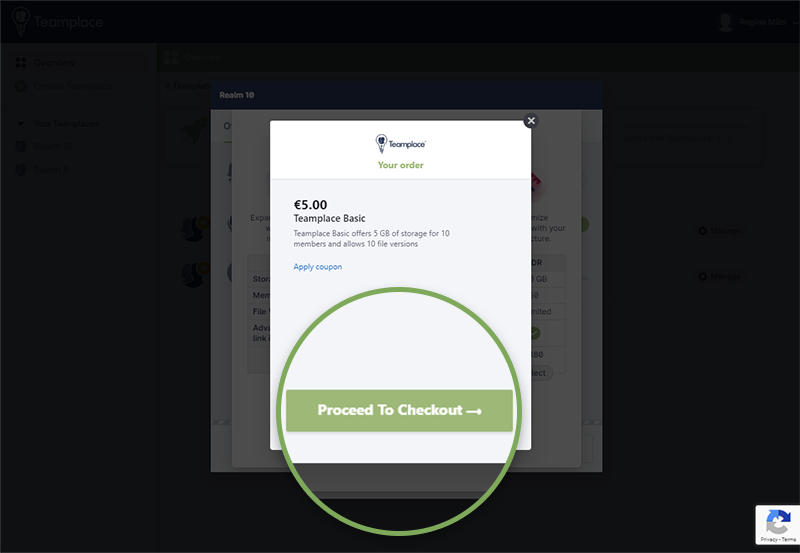
You will get an overview of your selected plan.If you have an upgrade voucher, click on APPLY COUPON.An input field will open. Enter your coupon code here.